Movable viewer panels and measuring on a cut
Highlights
- Drag the viewer's panels anywhere, or collapse them to an icon
- Measure directly on a section view, snapping to the cut outline
- Feature edges on patterned surfaces draw as whole lines
- Public model pages use the same CAD-style rendering as the editor
- A prompt to switch to a new version generated while you view an older one
What’s new
Panels you can move out of the way
The view controls and the cut/measure tools float over the model, and they used to stay where they were put. Now you can drag them anywhere in the viewer, including over the event log below it, and they remember their position.
Each panel also collapses into a small icon at the spot where you clicked its chevron. A collapsed panel still shows what it is doing to the view: when a cut is active, an orange chip next to the icon shows its axis and position, so a sliced model never looks like the whole one.
If a model has one object and no pinned parameters, the view controls panel now says so instead of disappearing.
Measure on a cut
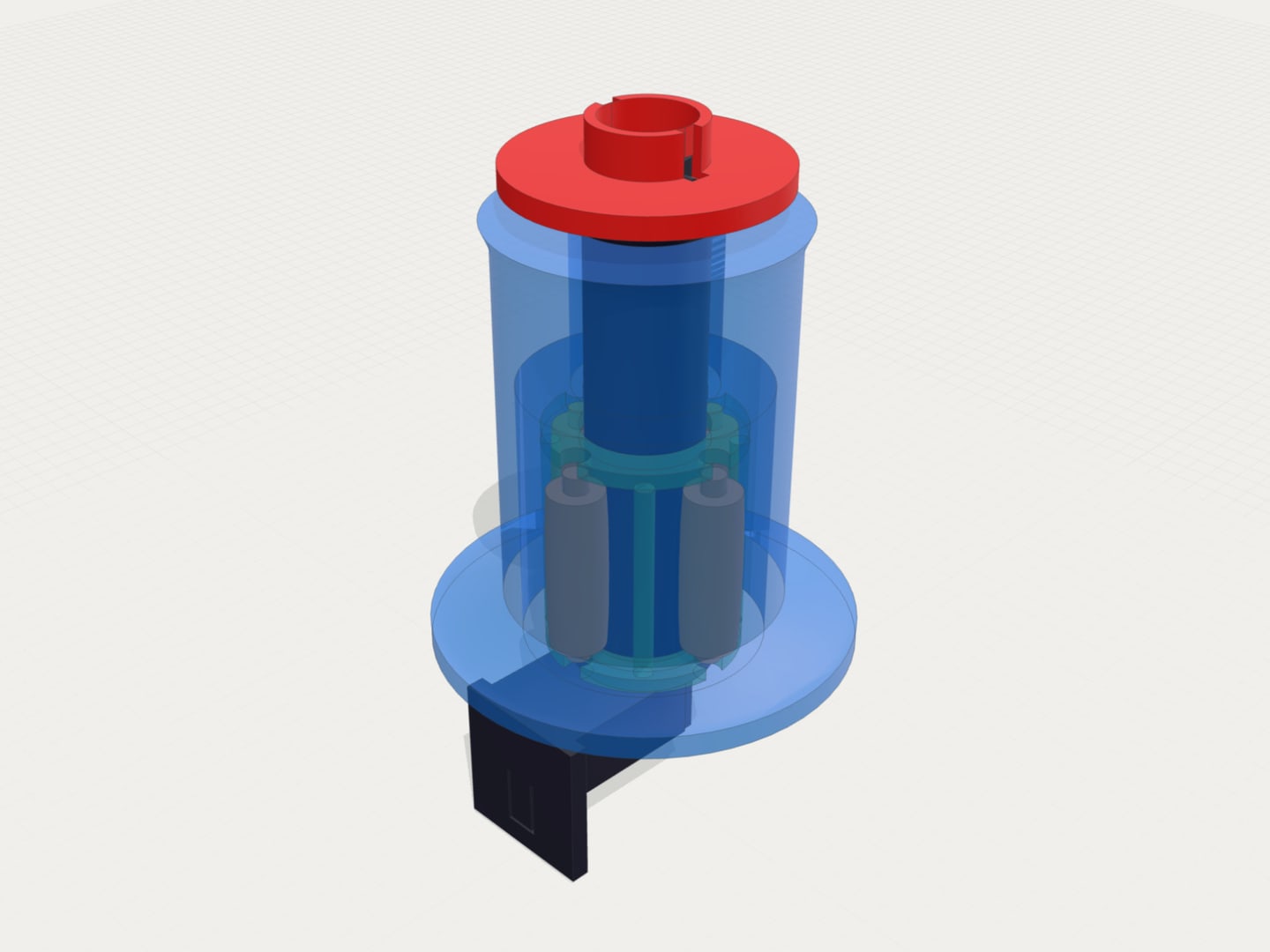
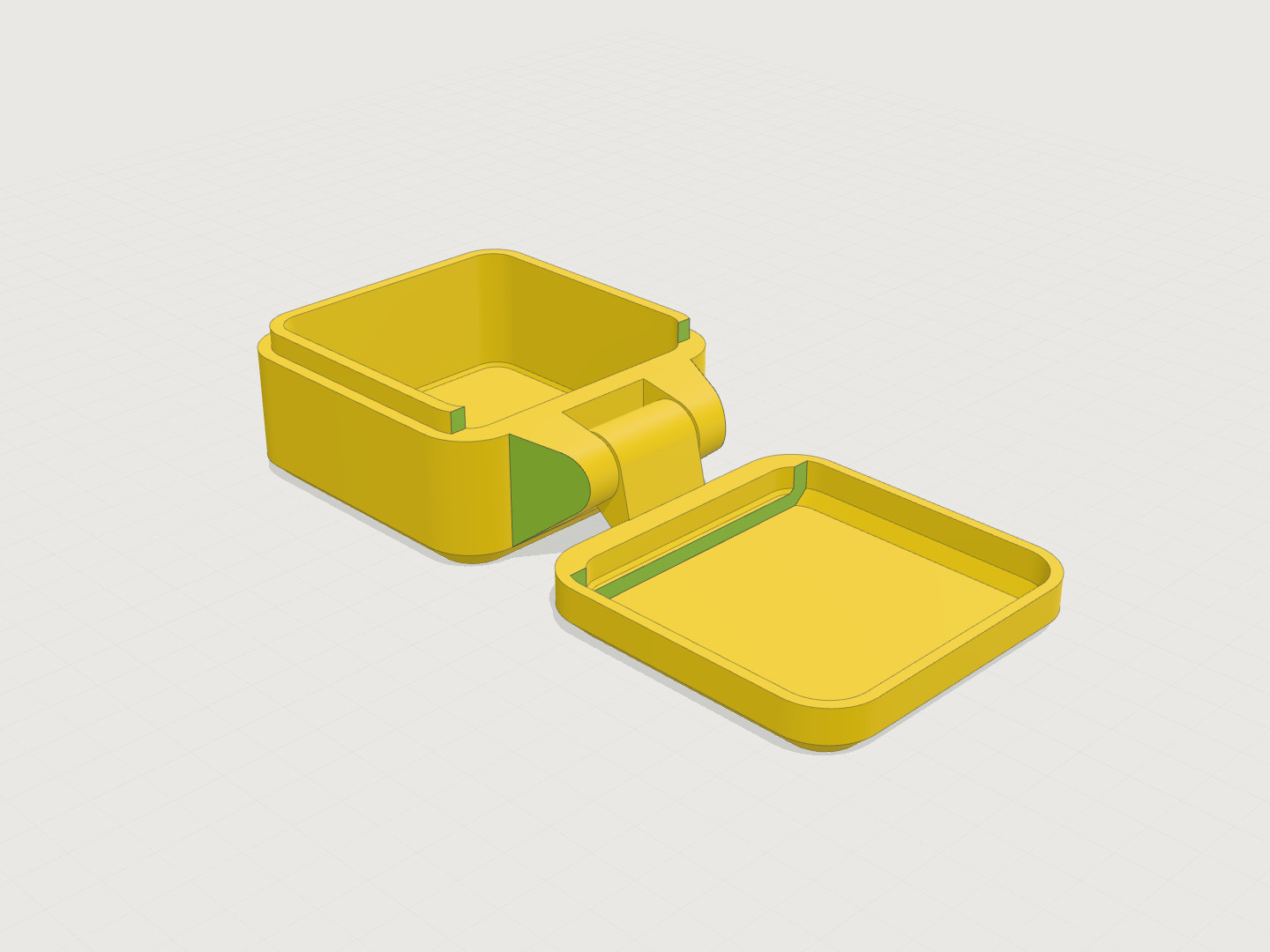
Cut and measure are now separate toggles, and both can be on at the same time. On a section view the ruler snaps to the outline of the cross-section, so you can measure a wall thickness or the inside of a channel directly. It ignores the part of the model that the cut removed.
A cut also stays in place when the model re-renders, as the camera position and hidden objects already did.
Cleaner feature edges
Edge lines on patterned or textured surfaces used to come out in fragments, or only along some of the pattern. A ridge that starts as a sharp step and gradually flattens now draws as one continuous line. Curved surfaces such as cylinders, spheres and small holes remain free of tessellation lines.
Some models also showed a stray line across a flat face, for example on a rounded cube. Those lines are gone.
CAD rendering on public model pages
The interactive viewer on model pages now uses the lighting, smooth shading, feature edges and ground shadow the editor introduced in 0.6.4. A model looks the same in the gallery as it does in your session.
New version while you look at an old one
The viewer follows the newest version as it is generated. If you had switched to an older version, it stays there, so a finished generation could look like nothing happened. A button next to the version picker now tells you a new version is ready and switches to it in one click. You can dismiss it to stay where you are.
Fixes
- The cross-section outline could draw dark lines through the model, and the far side of the section painted over the near side.
- The viewport gizmo in the corner took clicks meant for a panel under it. Dropdowns opened from a panel no longer render behind it.
- Parameter names with underscores, such as
board_thickness, rendered as italics in model descriptions. - After paying, some users were still asked to solve a captcha on every message.