Clearer CAD-style model rendering
Highlights
- Studio lighting and contact shadows make the shape of a model easier to read
- Curved surfaces render smoothly while intentional feature edges stay crisp
- A quieter grid keeps the model visually dominant
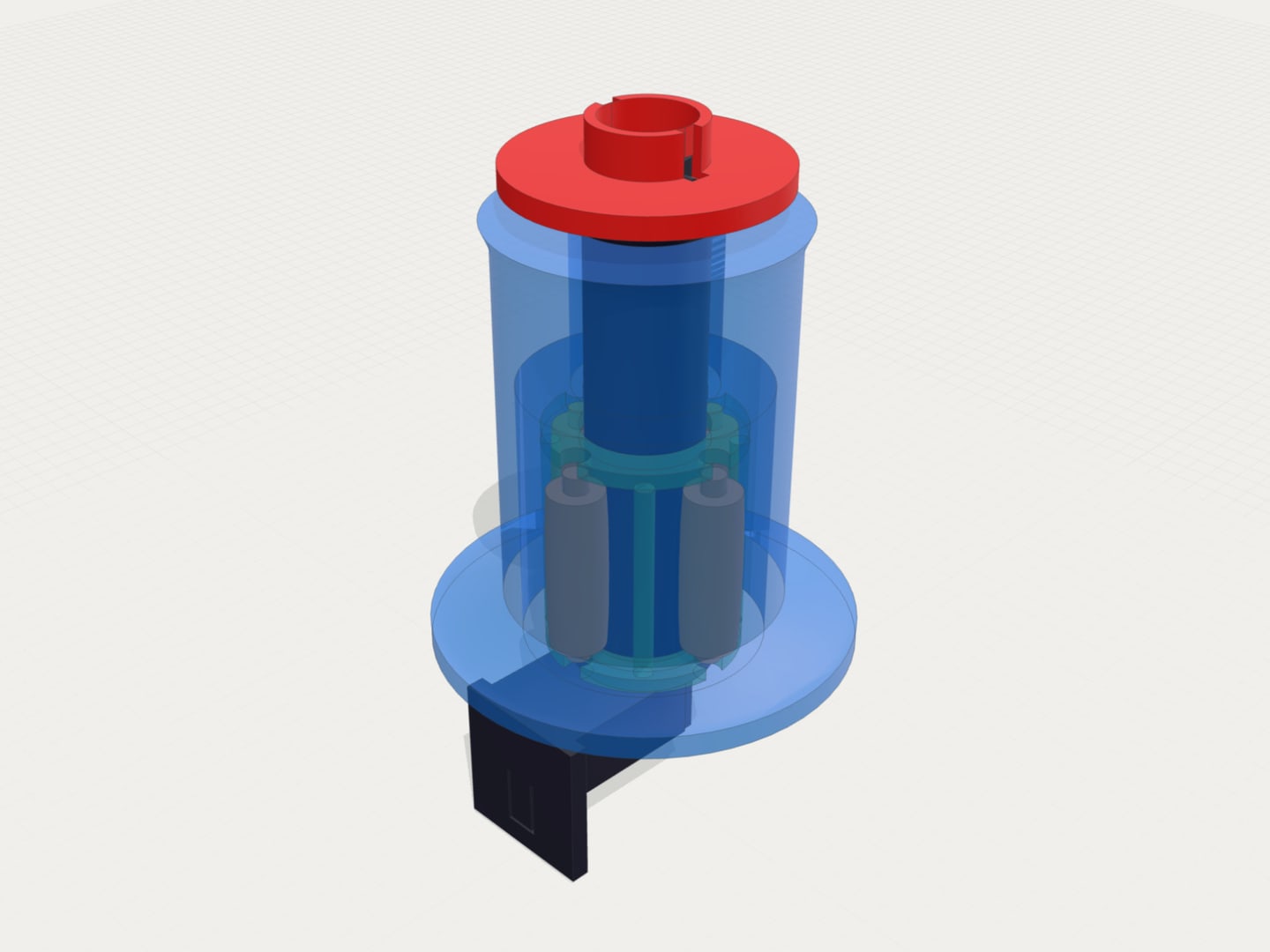
- Transparent parts in 3MF files now display correctly
What’s new
A clearer 3D viewer
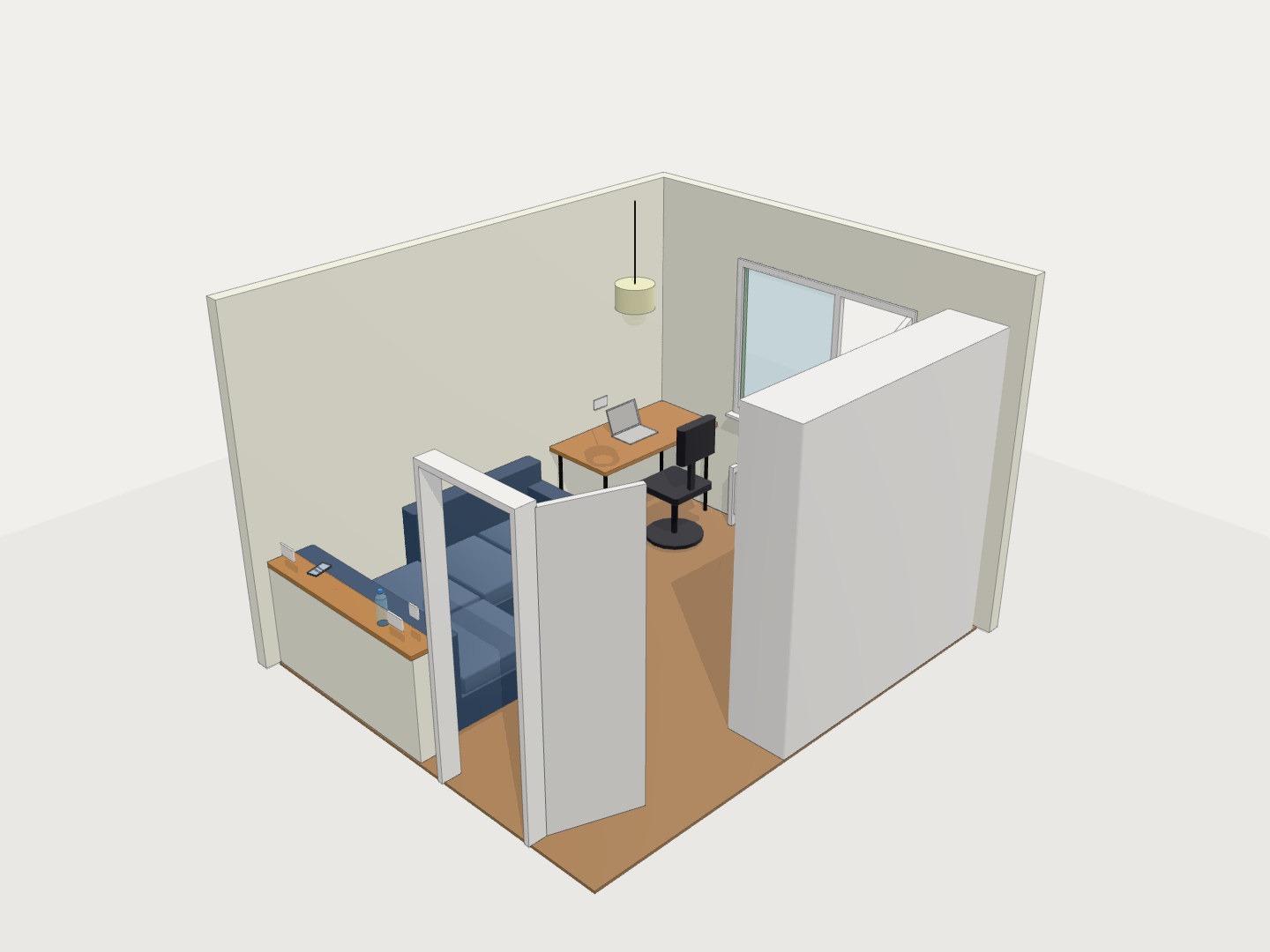
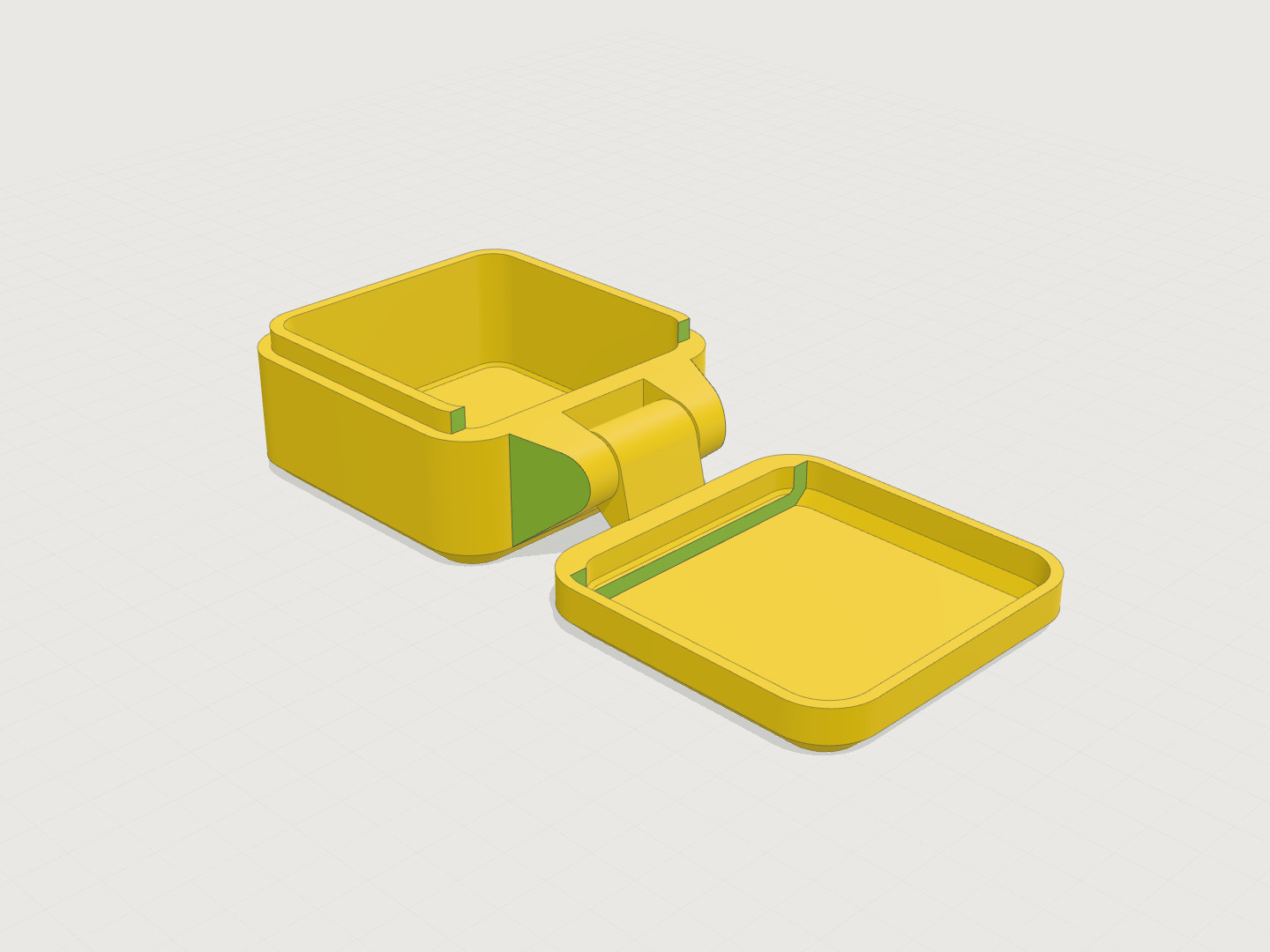
The viewer now separates faces, curves and recesses more clearly. Broad highlights describe rounded surfaces, contact shadows show where the model meets the ground, and thin feature edges keep important boundaries visible.
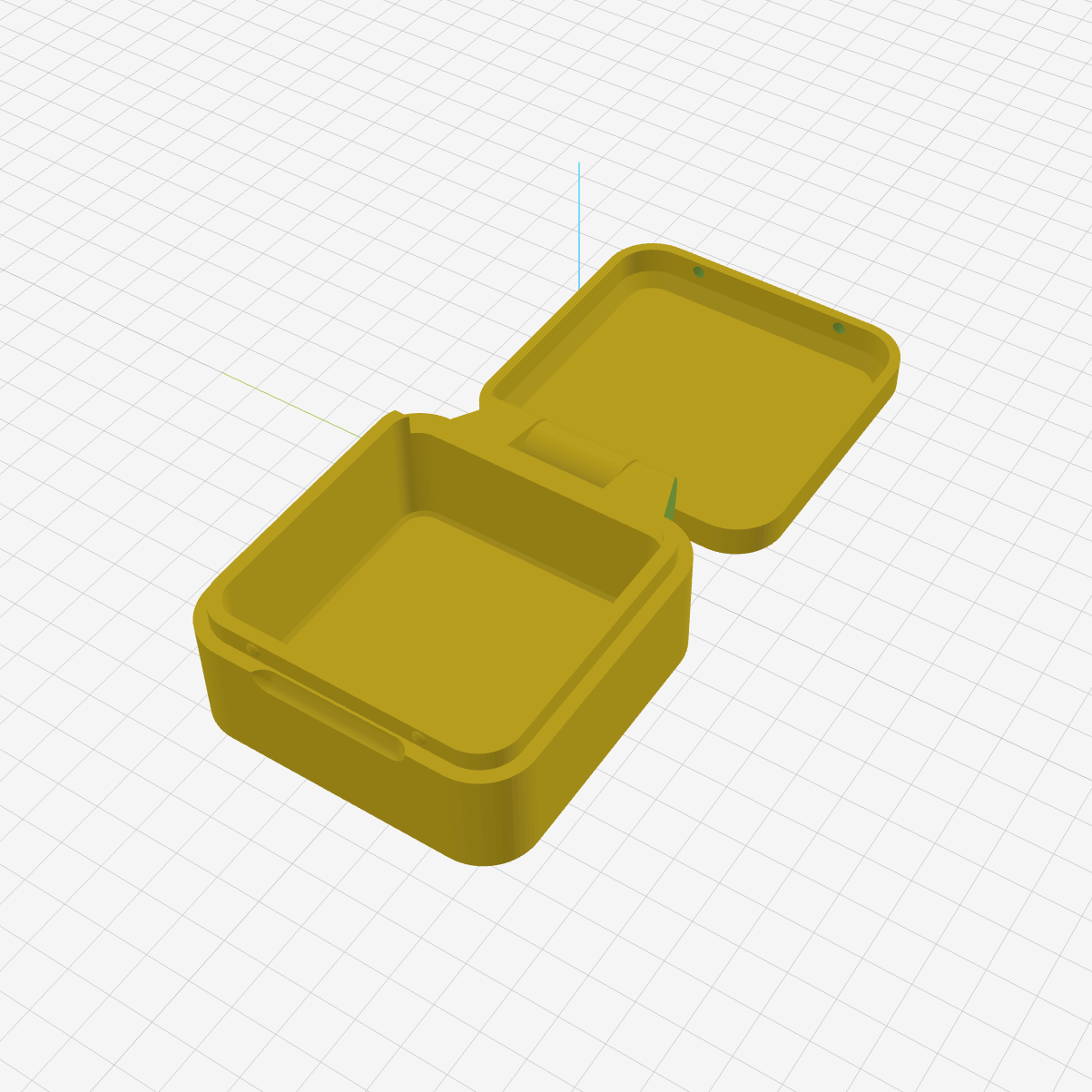
Before
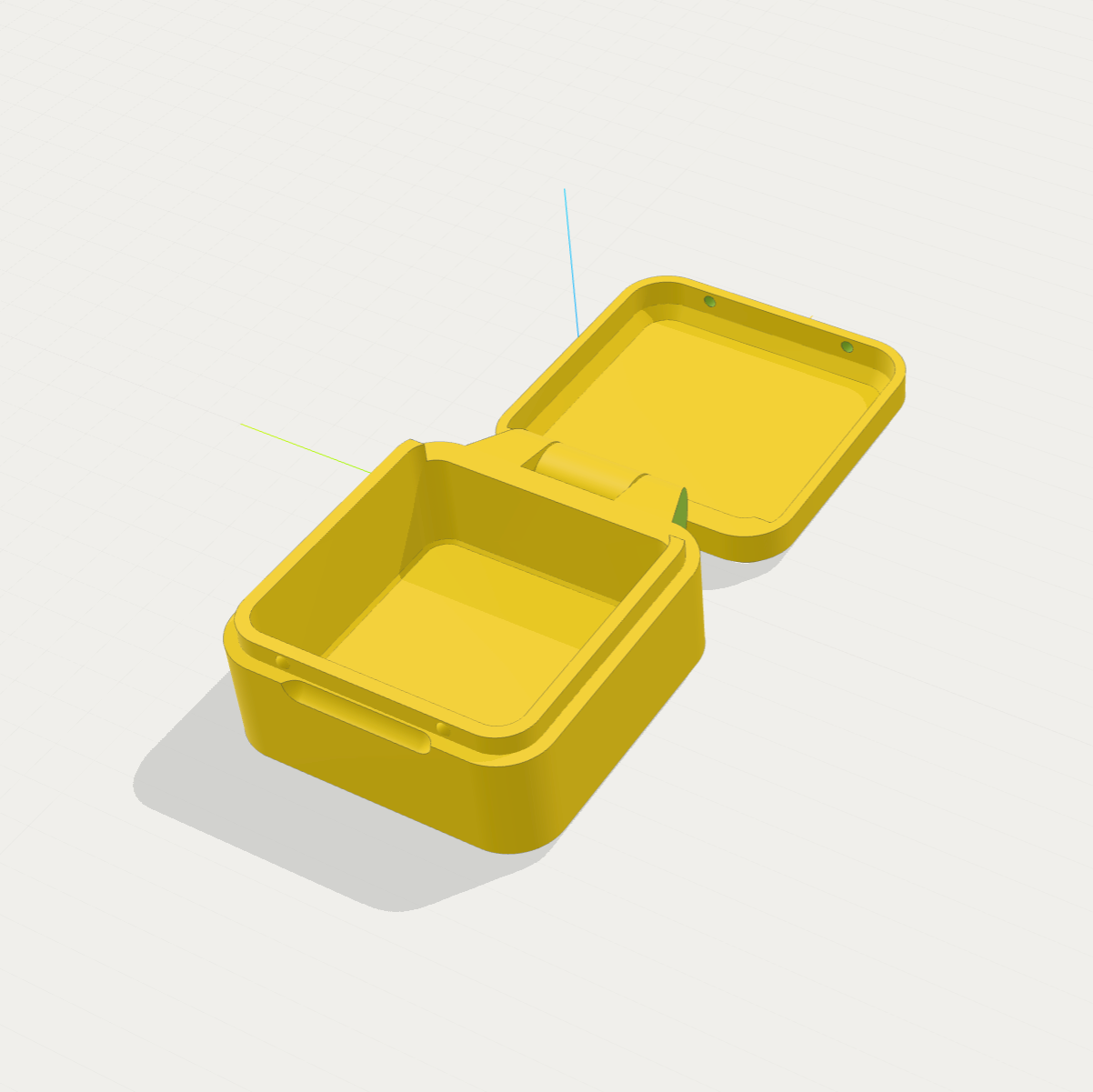
After
The change is most visible on models with fillets, cylinders, openings and several overlapping parts. Curved surfaces no longer look like a collection of flat triangles, while sharp manufactured edges remain sharp.
More useful depth cues
Lighting is now directional enough to distinguish top, front and side faces without crushing dark areas. A soft ground shadow anchors the model in space, and the perspective is slightly closer to a conventional CAD viewport.
The grid is still available for scale and orientation, but it is lighter so it does not compete with small details in the model.
Better 3MF appearance
Colors from 3MF files now use the same studio-style material response as the rest of the viewer. Transparent 3MF parts also remain transparent instead of appearing as opaque colored surfaces.
Section views, measurement, object hover and screenshots continue to use the same rendering style.