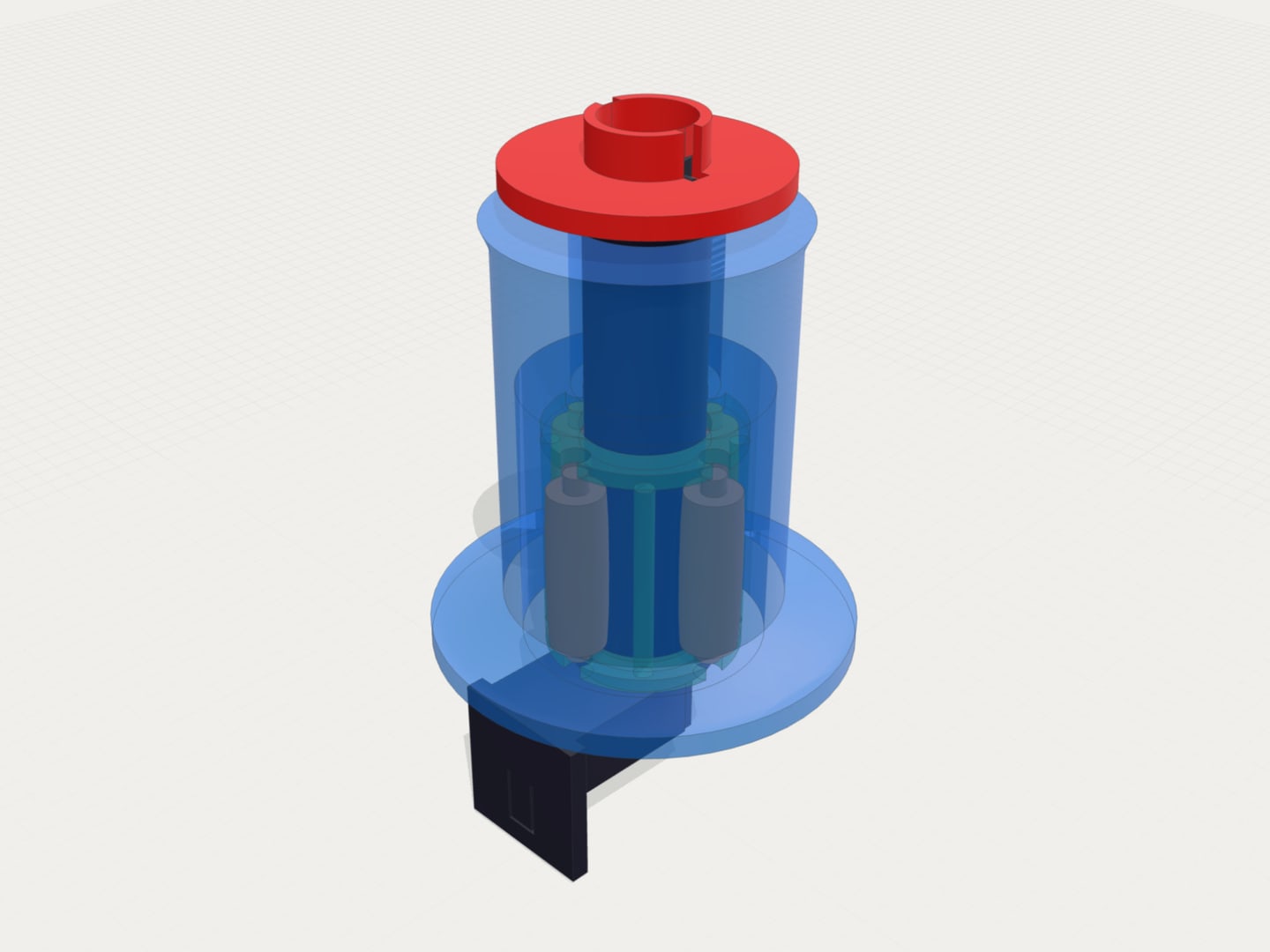
Objects in the viewer know where their code is
Highlights
- Objects are named from your script instead of being numbered Part 1, Part 2, Part 3
- Right-click an object to open the code that makes it, or the module that draws it
- Exported 3MF files carry those names, so slicers show real part names
- Name anything yourself with an // @name comment
- The code pane is a real editor with OpenSCAD highlighting, no Edit button to press first
What’s new
Objects have names
The viewer’s object list used to read Part 1, Part 2, Part 3 for anything it could not work out. Now it reads the script and takes the name from whatever describes the object best: an // @name comment, the comment above the statement, the doc comment on the module being called, or the module’s own name.
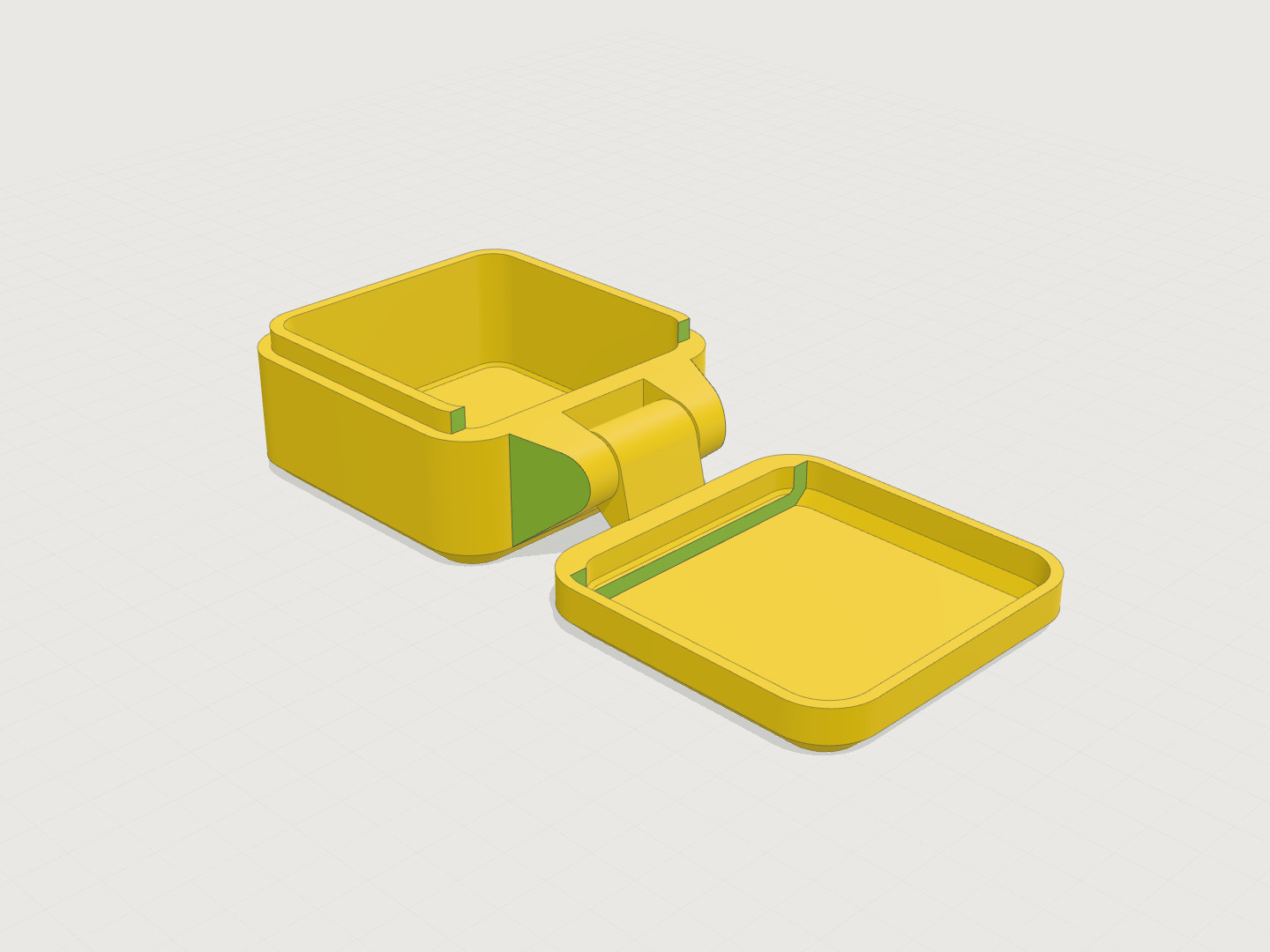
Two published models show the difference. A desk organizer that used to list organizer body, Position drawer and Position upper tray with snug alignment now lists Main Organizer Body, Pull-out Drawer and Drop-in Upper Tray. A clamshell box that showed Normal 3D model when you rendered the lid on its own now says Lid assembly.
The numbers after each name are the line the object was written on. Click a row to go there.
Right-click an object
Right-click anything in the viewport for the object under the pointer:
Go to code opens the code pane and selects the statement that produced the object. Cmd-click (Ctrl-click on Windows and Linux) does the same without the menu. Go to module() takes you to the module’s declaration instead, which is usually where you actually want to edit. It works the other way round too: move the cursor in the code and the object it belongs to lights up on screen, including when the cursor is inside the module that draws it.
Ask AI about this object attaches the object to your next message as a chip above the input:
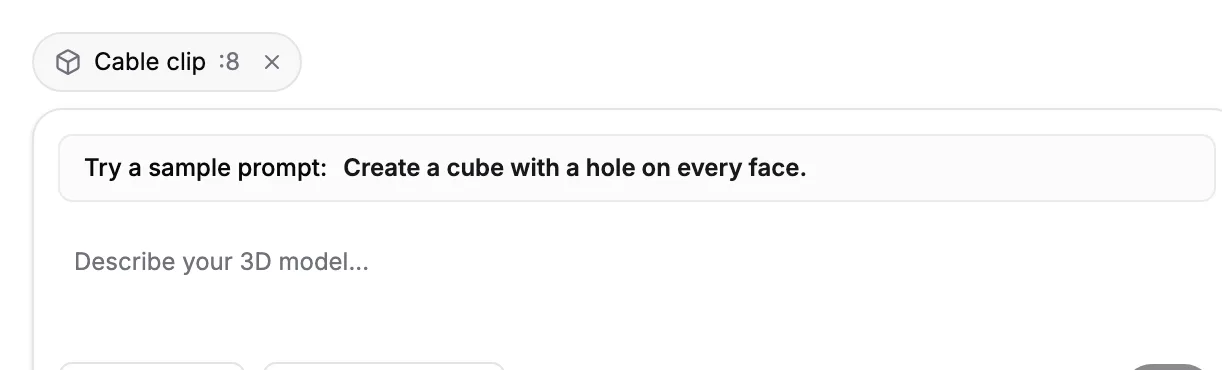
The chip carries the exact lines and module name to the agent, so “make this 2mm thicker” needs no explanation of which part you mean. Click the chip to see the code it points at, or the x to drop it.
Naming objects yourself
Any object can be named directly:
// @name Drawer front
translate([2, 0, 0]) drawer();

clip(); // @name Cable clip
The comment works above the statement or trailing on the same line. Without one, a doc comment above the module is the next best thing, and it names every use of that module at once:
// Pull-out Drawer
module drawer() {
  // ...
}
A comment that describes the placement rather than the object gets skipped in favor of the module, so // Position drawer above a translate() no longer becomes the object’s name. Section dividers like // --- Parts --- and customizer // [Tab] markers are never used as names. The AI now writes @name comments into the models it generates.
Exported files carry the names
OpenSCAD writes every object in a 3MF as OpenSCAD Model 1, OpenSCAD Model 2 and so on, with no way for a script to say otherwise. Exports from ModelRift now carry the names from the object list instead:
<object id="2" name="Main Organizer Body" type="model">
<item objectid="2" partnumber="Main Organizer Body"/>
Both attributes are set, so slicers that read either one agree. Load the file into PrusaSlicer, Orca or Bambu Studio and the parts arrive with names you recognize instead of a numbered list you have to click through. Nothing else in the file changes. STL has no way to carry names at all, which is one more reason to export 3MF.
One object, or many
If your model shows no object list at all, this is why. With lazy union, each top-level statement of a script becomes one separate object, and a call to a module counts as one statement no matter how much geometry is inside it. A script that ends with a single main_scene(); is therefore one object.
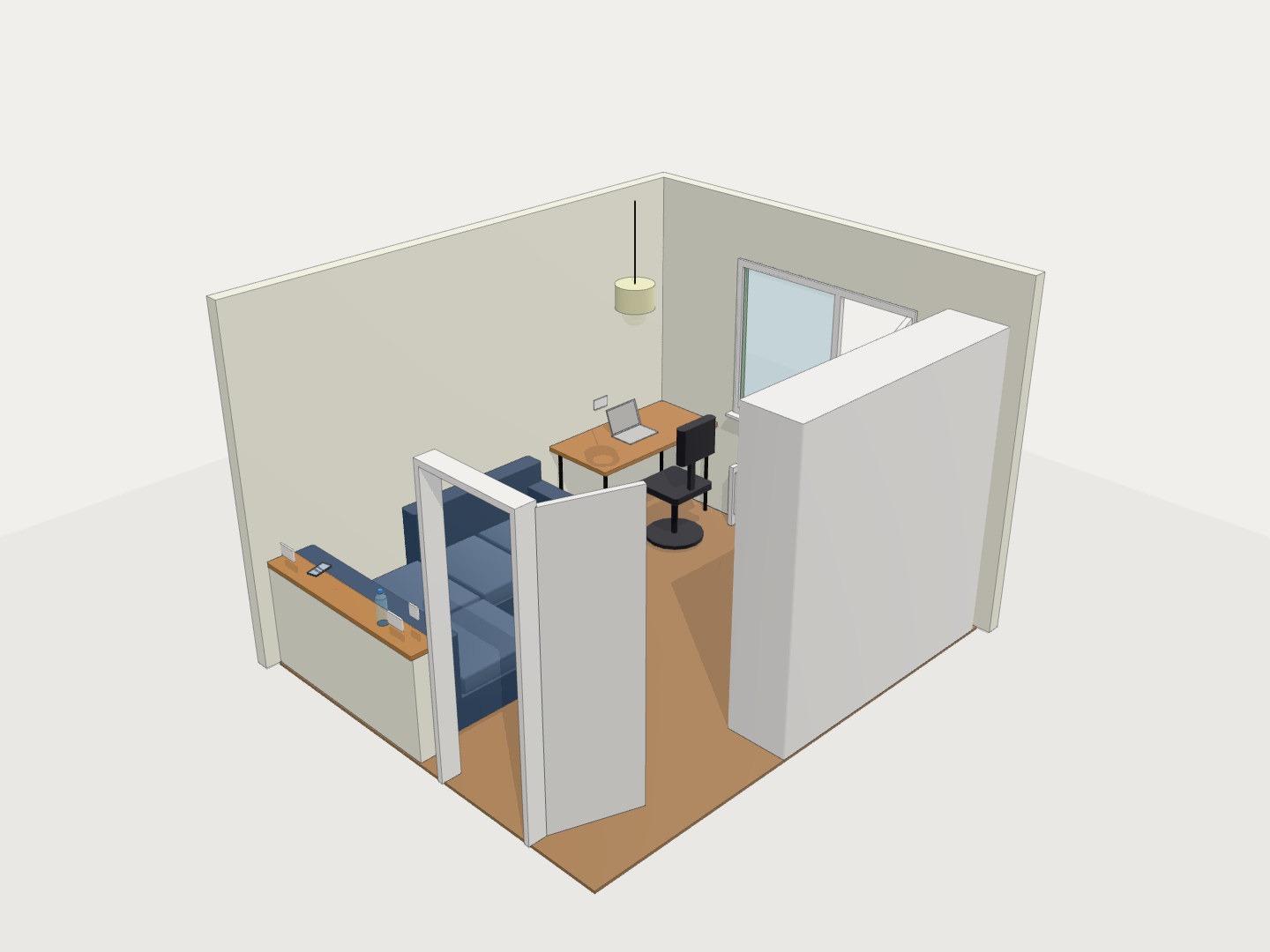
The Bodies count in the status line is a different number entirely: it counts separate shells in the mesh, so a one-object room can report 13 of them. There is still only one object to name, so there is nothing to list, hover or isolate.
Call the parts at the top level instead of wrapping them in one module and the same room becomes sixteen named objects, each with its own line number.
Hiding and isolating objects is still preview only. Exports always contain the whole model.
The code pane is an editor
Reading the code no longer means looking at a static block of text with an Edit button next to it. It is one editor either way, with OpenSCAD syntax highlighting, line numbers and search. Start typing and you are editing, with Save and Discard appearing once there are changes to keep or throw away.
Fixes
- The object list handles a top-level
forloop, which used to make it give up and fall back toPart N - A conditional using
&&or||is now read correctly when working out which objects a render produced - When the source cannot be matched to the mesh with confidence, the list says
Part Nrather than showing a plausible guess