More efficient conversations and smoother previews
Highlights
- Long CAD conversations now use less context while preserving recent requests and exact design decisions
- Customizer previews update automatically after you finish changing parameters
- Print-in-place and complex multi-body models get validation that better matches their intended output
- Context usage and optimization progress are now visible in the event log
What’s new
More efficient long conversations
Long-running CAD sessions now condense older parts of the conversation while keeping recent requests, exact dimensions, constraints, decisions, and the current design available to the agent. This reduces repeated context processing as a session grows.
The event log now shows when conversation context is being optimized and reports token usage for each agent step. Final responses also avoid sending a second full copy of SCAD that has already been reviewed and saved.
Automatic Customizer previews
The Customizer now enables Auto-update preview by default. Change one or several parameters and ModelRift redraws once after you stop editing. Rapid slider and input changes are grouped together to avoid unnecessary renders. You can turn the option off and keep using Redraw preview manually.
Validation that matches the model
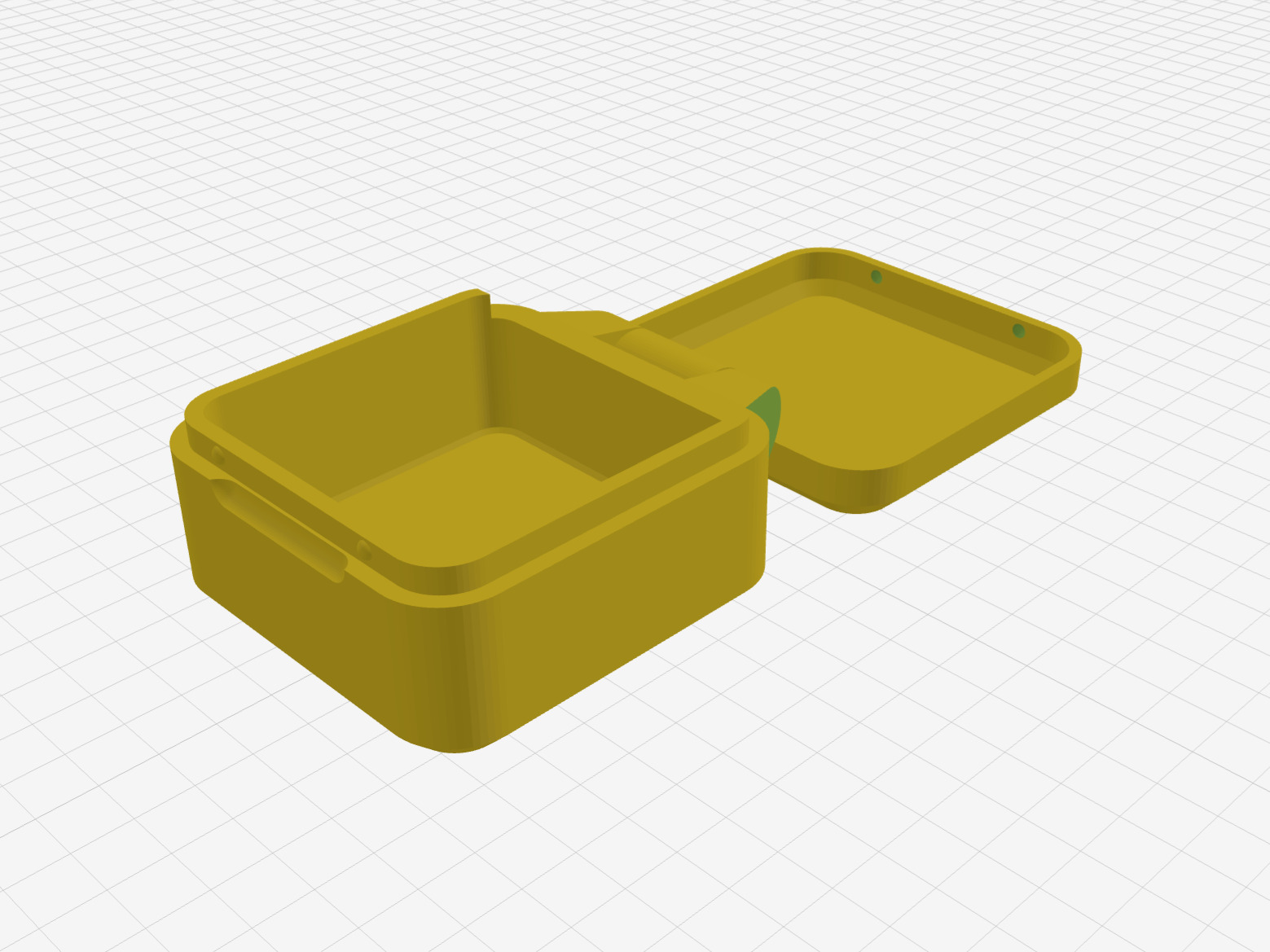
Print-in-place designs can now contain multiple independently printable moving components without being rejected as if they were one solid part. If a complex model still exports and renders after a repair attempt but has a non-critical mesh issue, ModelRift can publish it as a clearly marked draft instead of discarding the result. Empty or unexportable geometry still fails validation.
Small interface fixes
- Long diagnostic lines wrap inside chat messages instead of creating a horizontal page scrollbar
- Context optimization has a clear progress indicator while the agent is working
- Mesh warnings appear as concise, readable messages instead of raw diagnostic payloads