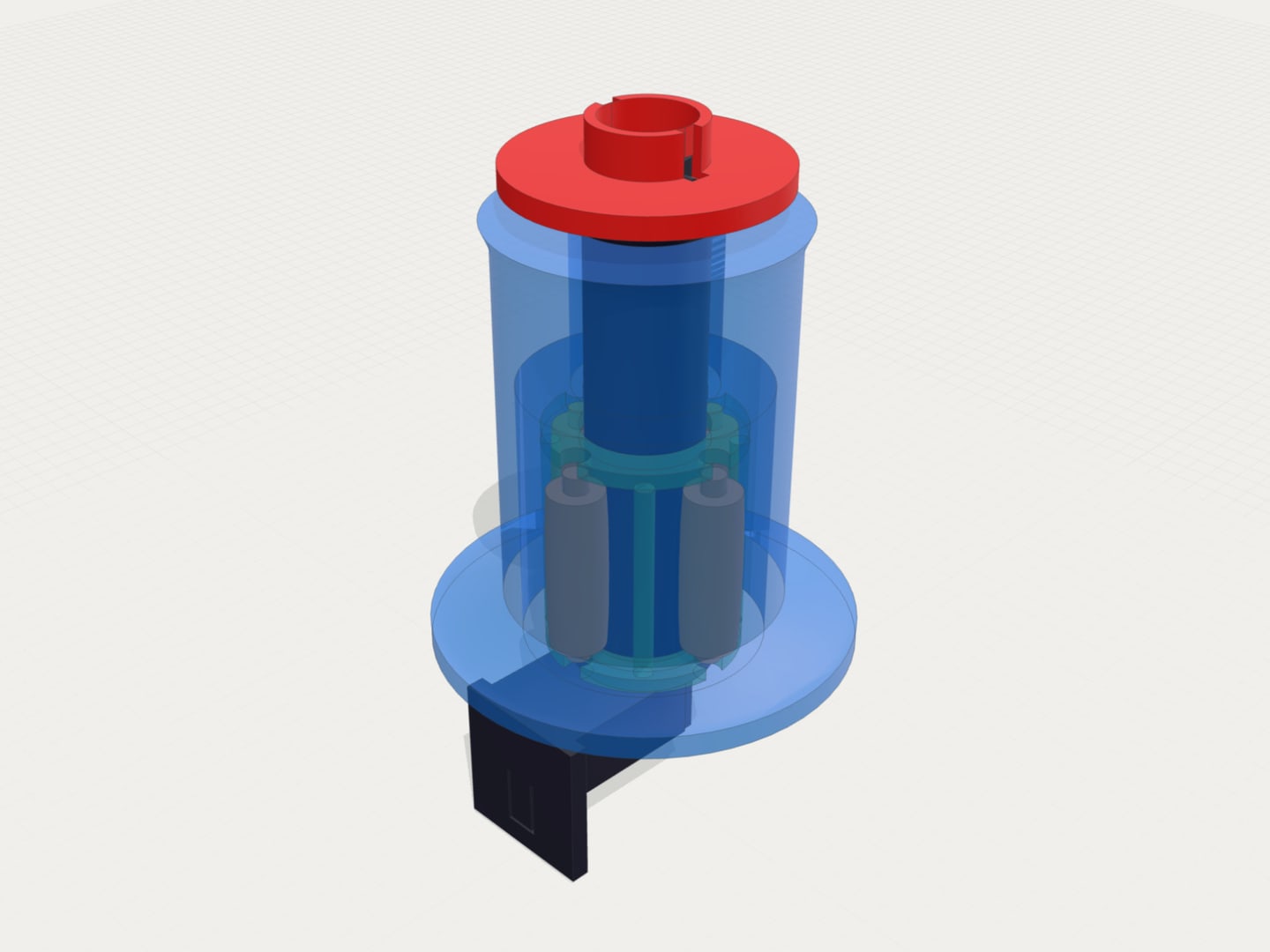
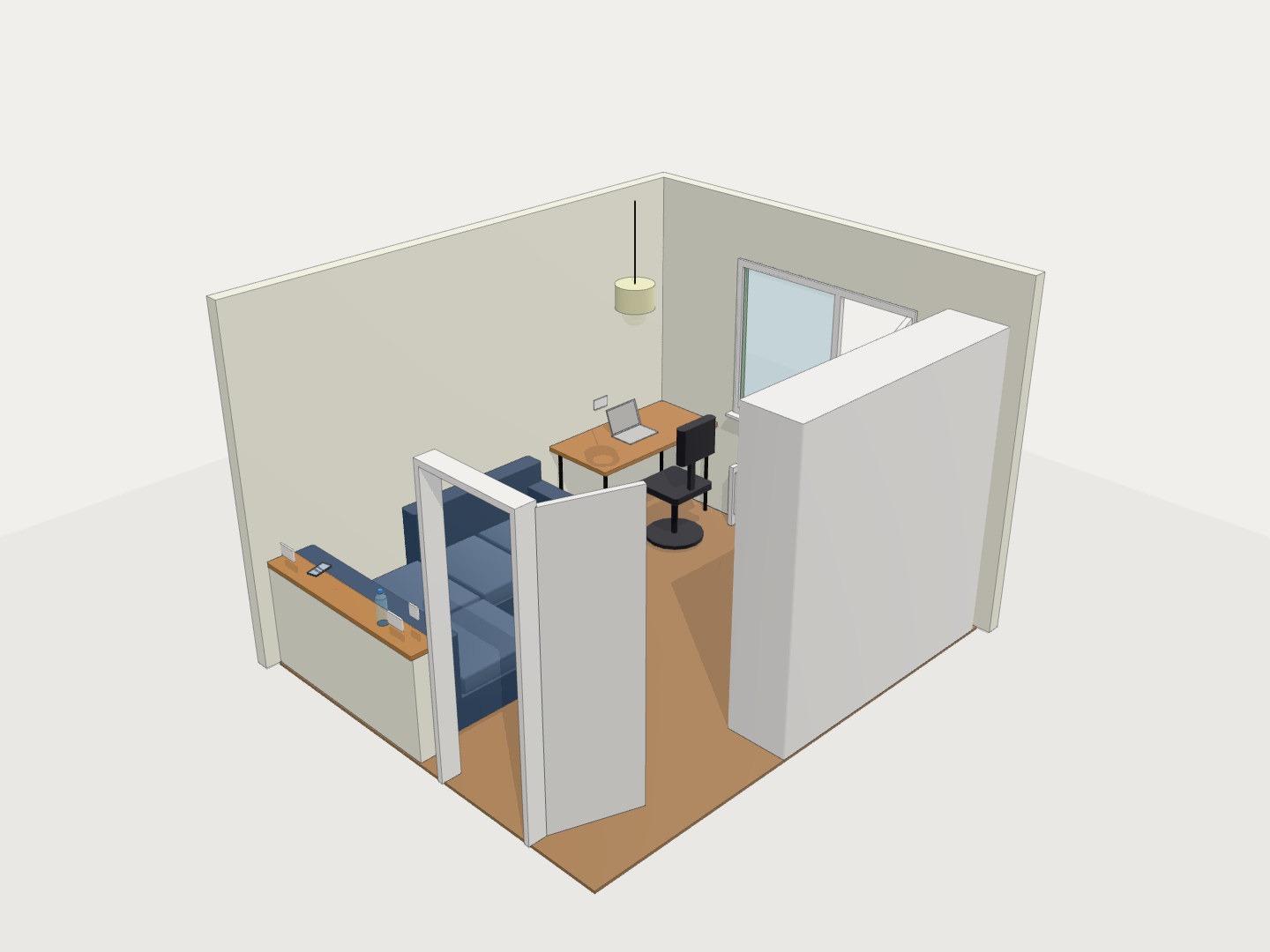
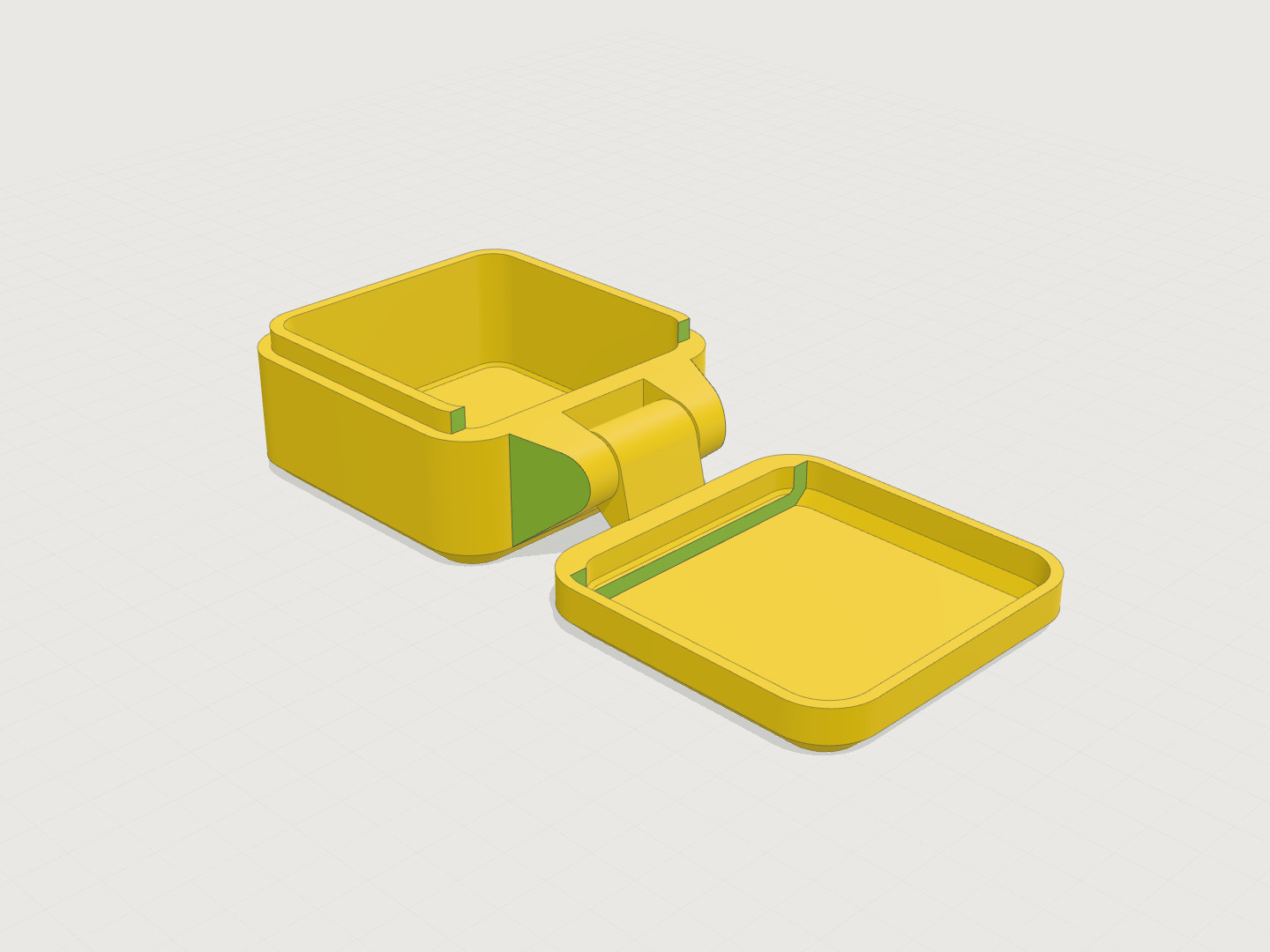
Better inspection tools (section views, measure tool)
Highlights
- Cut through a model on the X, Y, or Z axis to see inside it
- Move and flip the cut, or highlight the cut face
- New Measure tool: click two points on the model to get the distance in mm
What’s new
Section views
The viewer now has X, Y, and Z cut controls. Pick an axis and it slices the rendered model open, no need to regenerate anything.
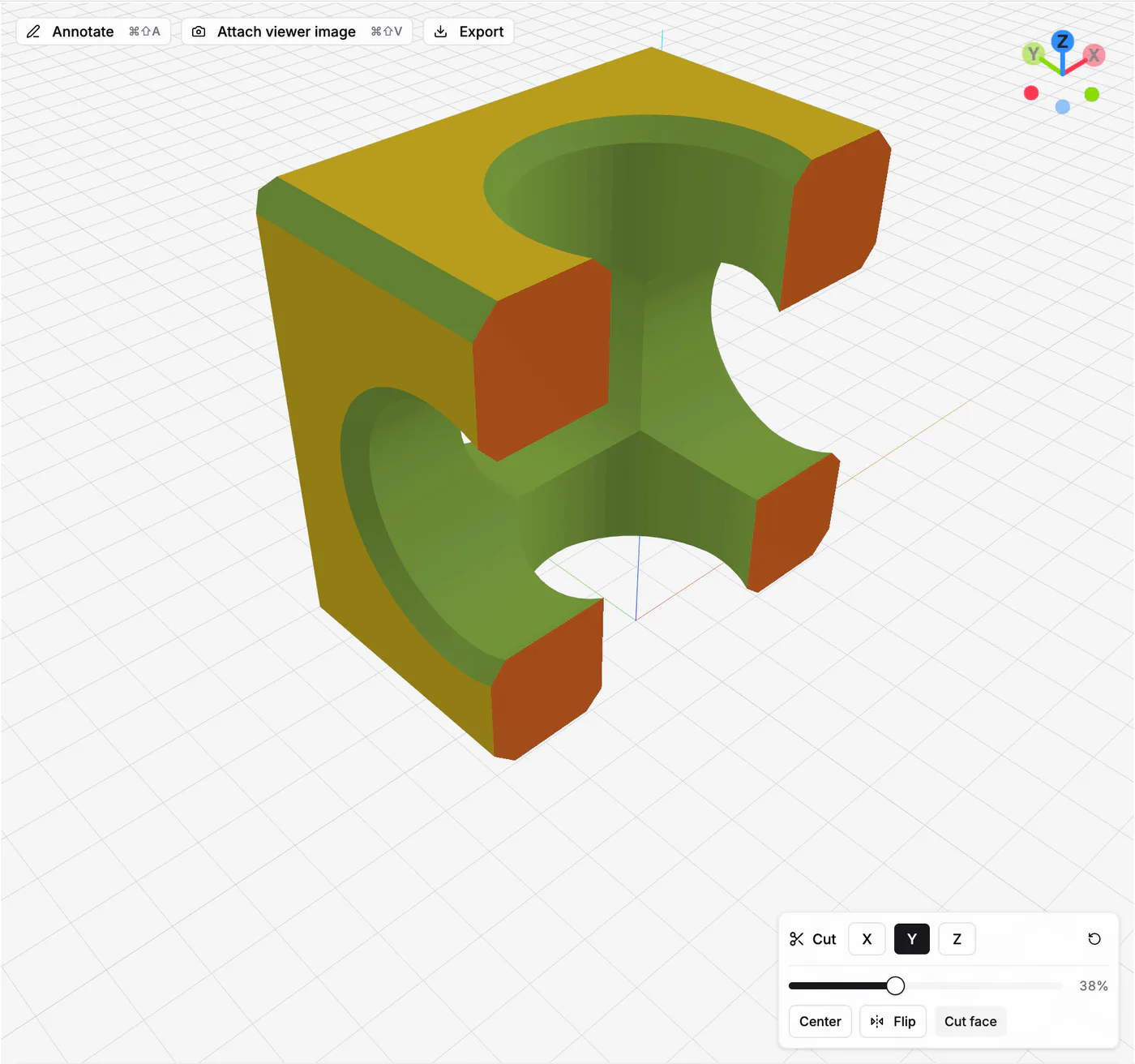
A slider moves the cut through the model. Center snaps it back to the middle, Flip looks from the other side, and Clear puts the model back together. Cut faces are highlighted by default so wall thickness and internal cavities are easy to read, but you can turn that off for a plain clipped view.
Measure tool
There’s a Measure button next to Cut now. Hover the model and it snaps to the nearest vertex or sharp edge, click to drop a point, click again for the second one, and the distance between them shows up in millimeters, both as a label floating on the model and in the panel.
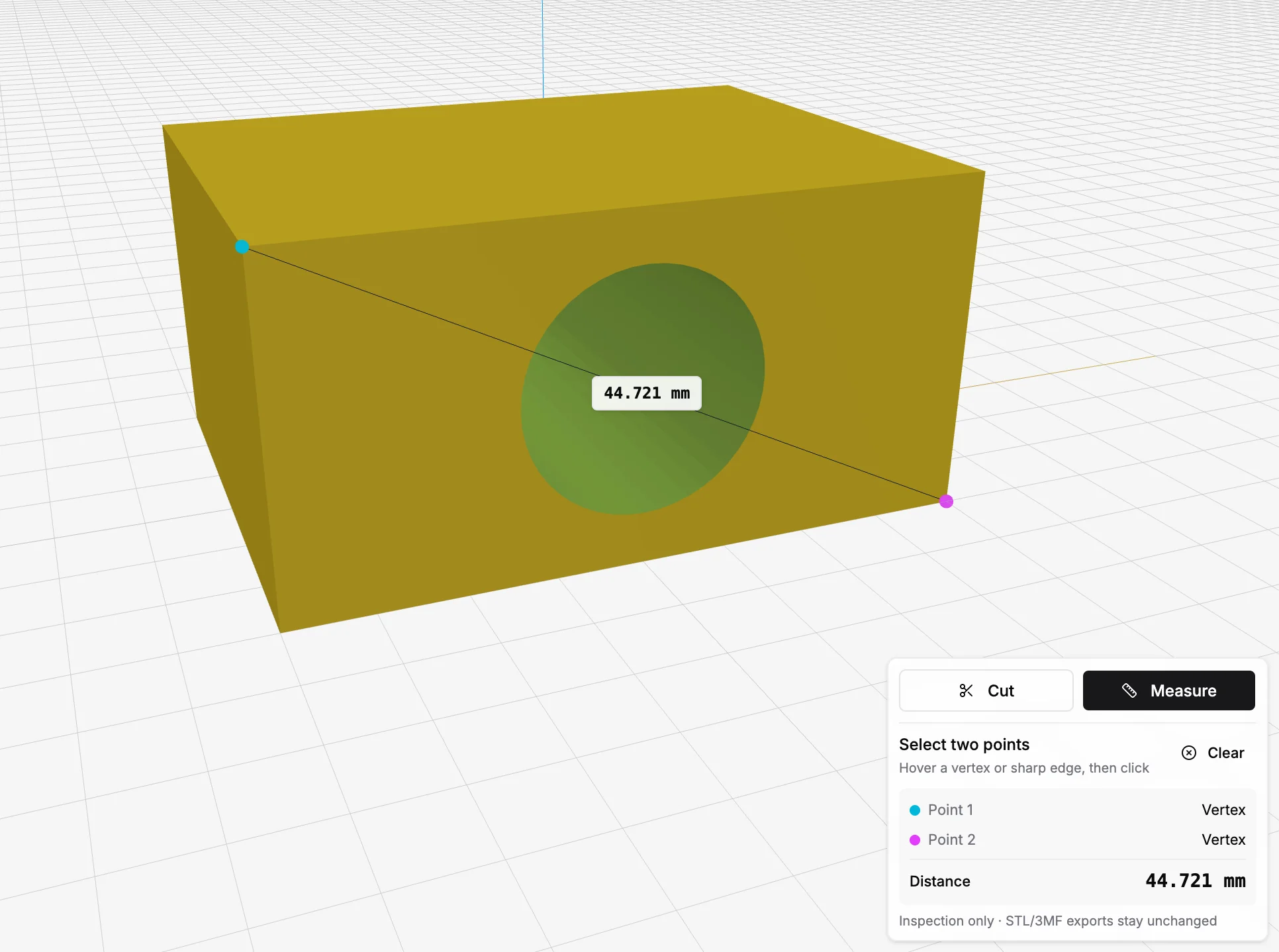
Both tools are inspection only: STL and 3MF exports stay untouched.