v0.3.9
Version-aware model previews
Highlights
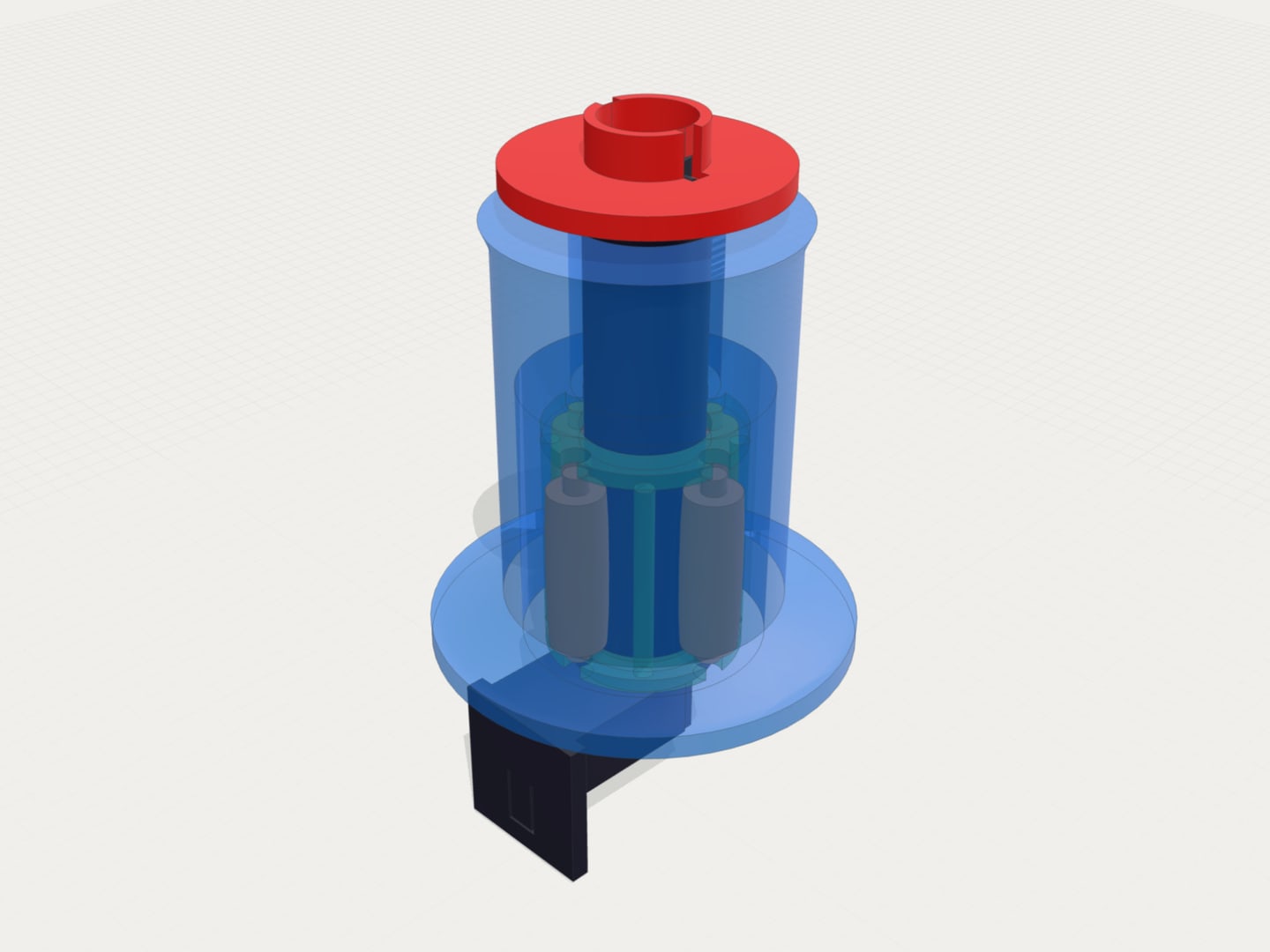
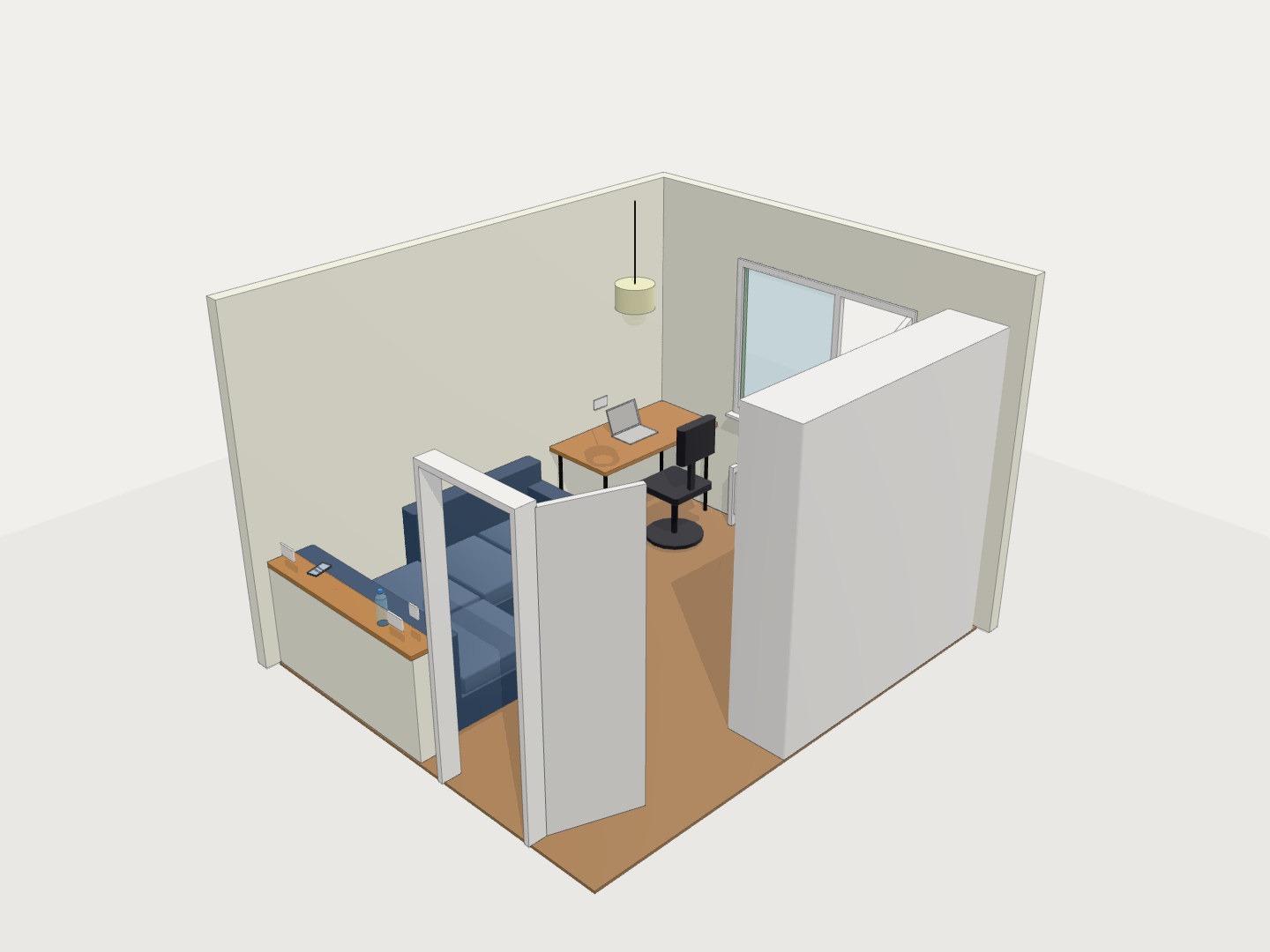
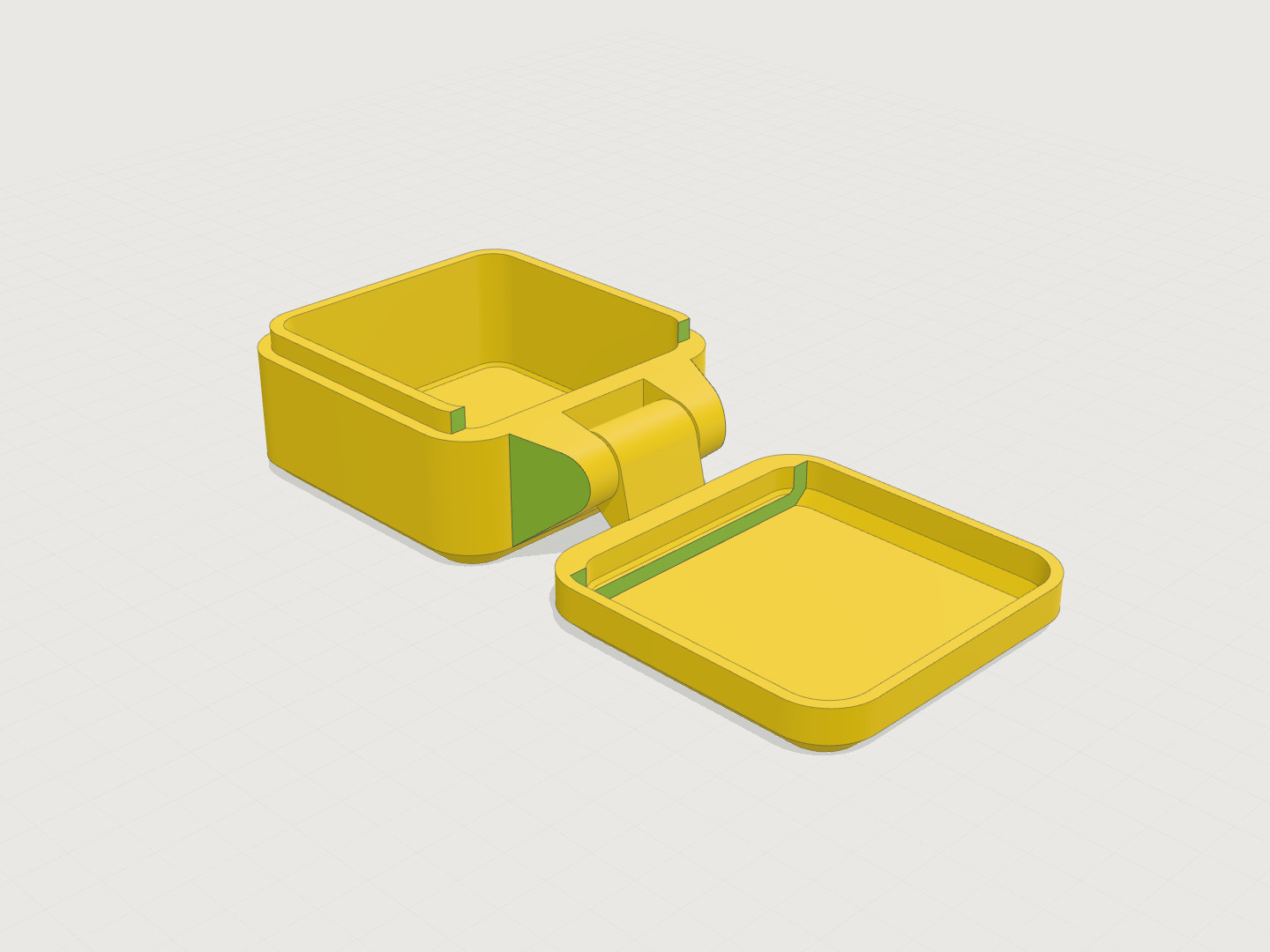
- Revision switching now updates both the code editor and 3D viewer
- Shared version links now open the matching generated model
- New model revisions automatically advance the viewer when you are following latest
- Opt-out automatic model viewer screenshot attachment in chat
- Billing pages now include clearer credit history charts
What’s New
Version-aware model previews
- Revision controls now keep the code editor and 3D viewer in sync
- Opening a link with a version selected now loads the matching generated model, not only the matching code
- Export and share actions use the selected revision so downloaded models line up with what you are viewing
Automatic model viewer screenshots in chat
- Added a checked-by-default option under the textbox to automatically capture and attach the current 3D viewer screenshot when sending follow-up messages.
- Included rotating and focusing tips to ensure visual issues are clearly captured for the AI.
- Automatically skips screenshot attachment if other images are manually attached to prevent duplicate uploads.
- Optimized chat scroll behavior to ensure the chat window scrolls smoothly and remains anchored even during layout updates or image loading.
Smoother live revision updates
- When a new AI revision finishes and you were already viewing the latest version, the session automatically advances to the new revision
- If you intentionally switch back to an older revision, the viewer stays pinned there while newer work continues
- This makes iterative editing easier without losing access to earlier generated models
Clearer billing history
- Billing now includes history charts for credit activity over time
- Balance, top-up, and spend trends are easier to scan from the billing page
- This gives more context around how credits changed across recent sessions