v0.3.7
3MF preview and export support
Highlights
- 3D viewer now prefers 3MF for preview and falls back to STL automatically
- Export menu now supports both STL and 3MF
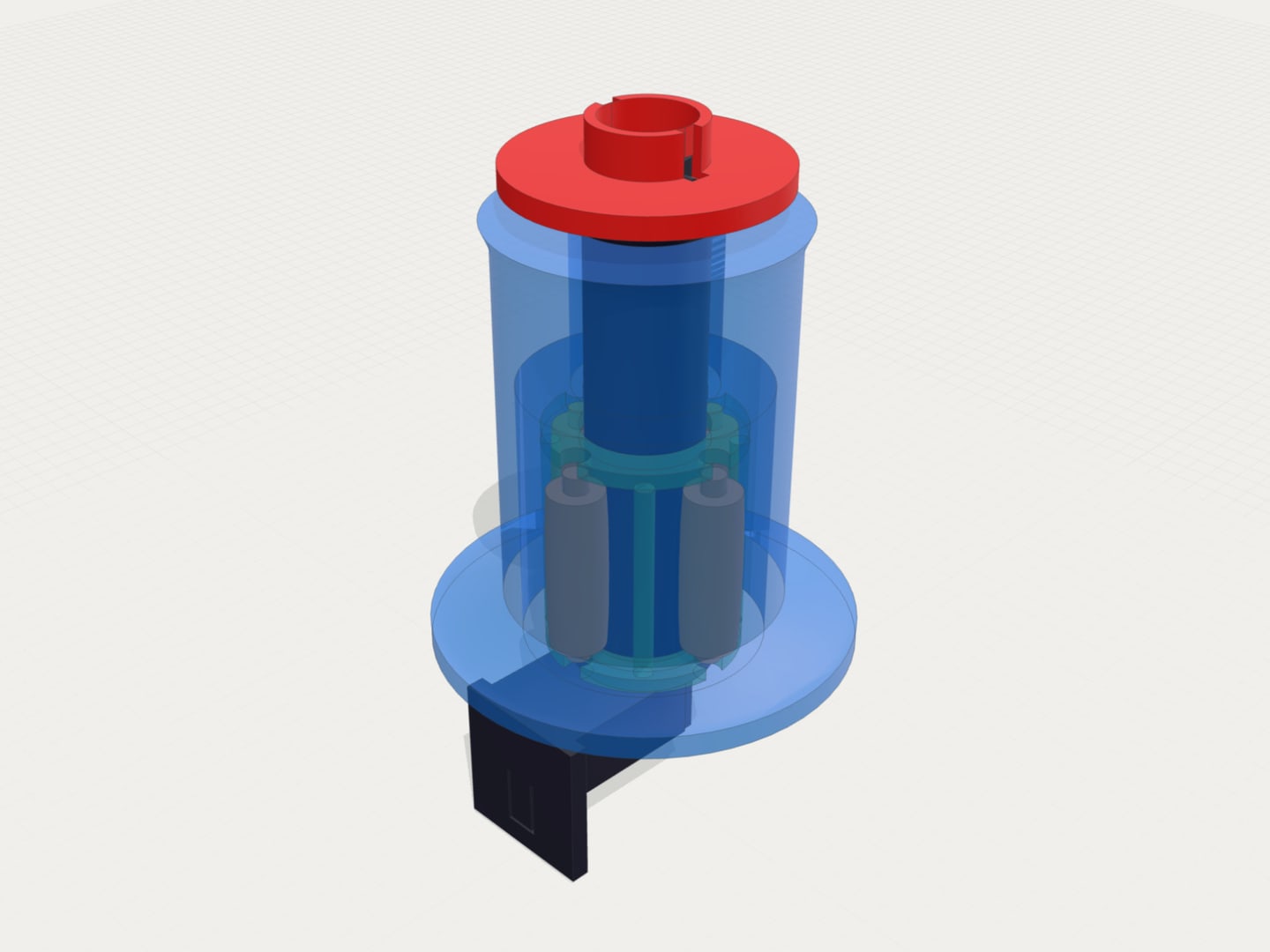
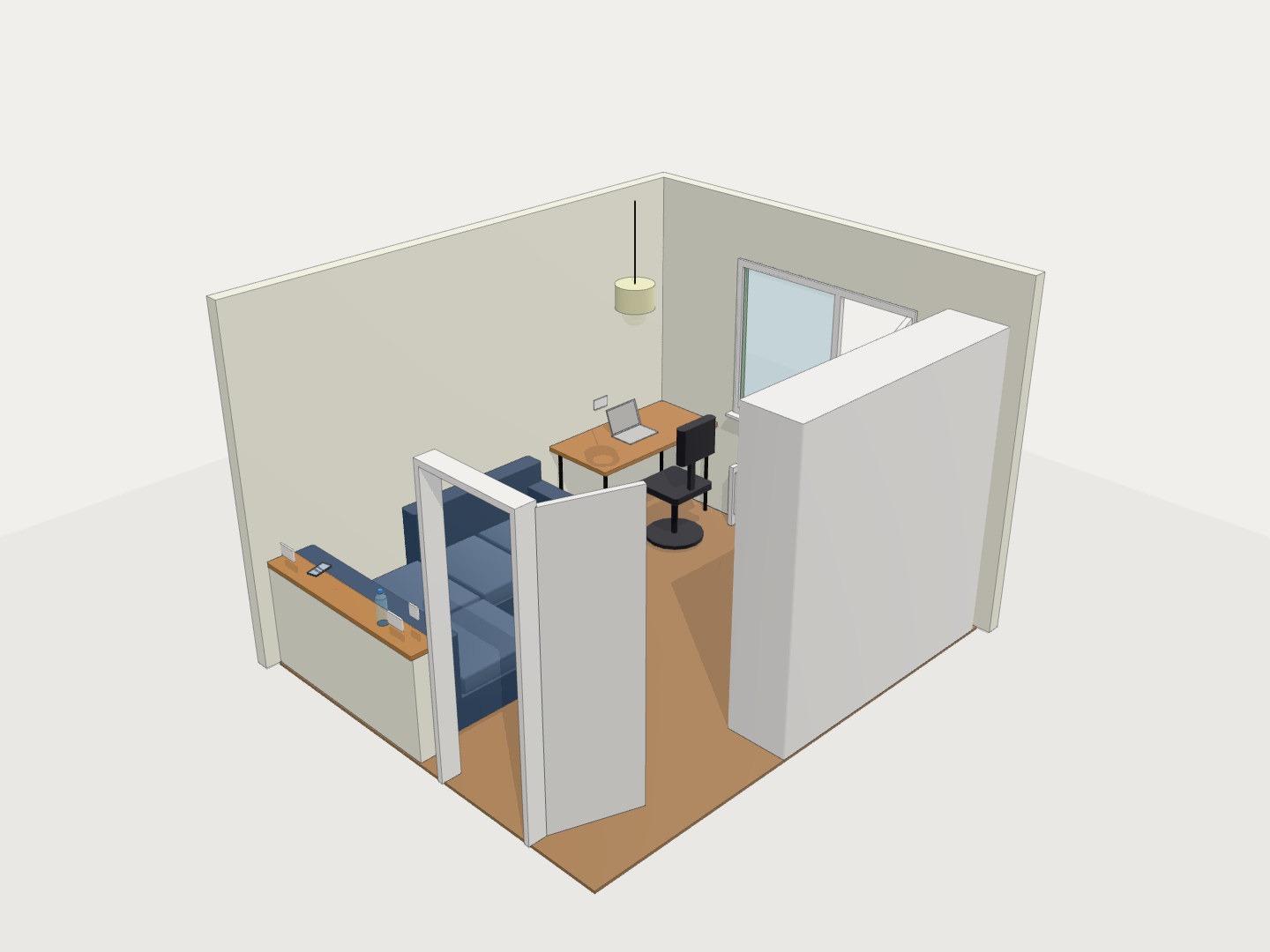
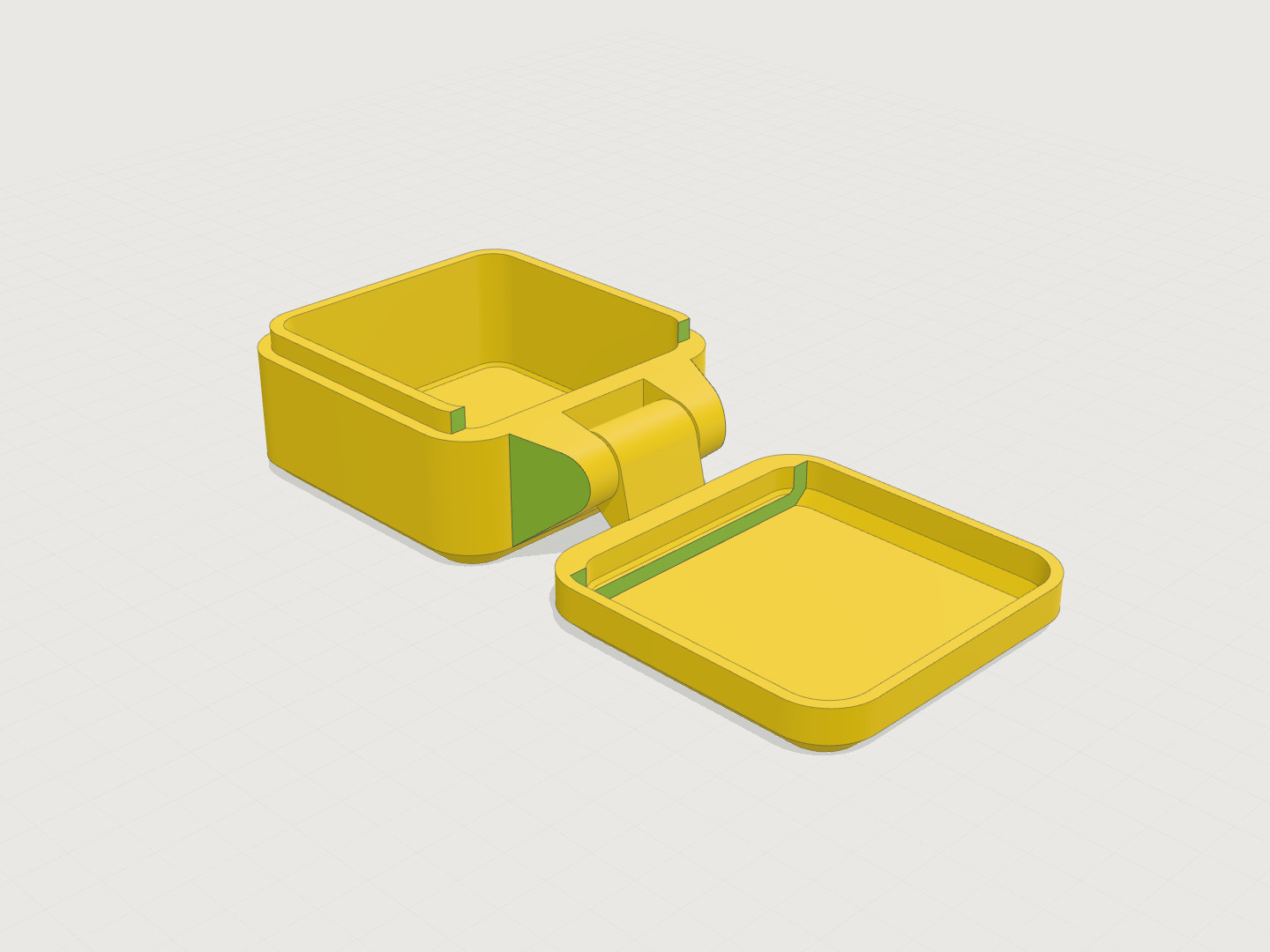
- Color metadata from OpenSCAD 3MF is now visible in in-app preview when available
What’s New
3MF-first preview in the viewer
- The model viewer now loads 3MF first when a 3MF artifact exists for the selected revision
- If 3MF is unavailable, preview automatically falls back to STL
- This gives better parity between generated artifacts and what you see in the editor
New export options
- Replaced the single Download STL action with a general Export action
- You can now export either STL or 3MF from the same model version
- Export links are version-aware to reduce mismatches between code and downloaded mesh
Better color behavior in preview
- 3MF color/material metadata from OpenSCAD exports is now used by the in-app viewer when present
- This can make preview color closer to exported 3MF output
- Final print color handling still depends on slicer import behavior and slicer version