v0.3.4
Public sharing flow improvements
Highlights
- You can now edit published projects directly from Profile -> Projects
- Share flow now keeps separate Prompt image and Prompt SVG fields
- Public model pages render prompt reference assets when provided
What’s New
Edit published projects after creation
- Added an Edit action on
/profile/projects - You can update title, description, initial prompt, preview image, screenshots, prompt image, and prompt SVG without re-publishing
Better prompt asset handling in sharing
- Share dialog now stores Prompt image and Prompt SVG as separate fields
- Prompt references from the initial session message are prefilled when available
Public model pages show prompt references
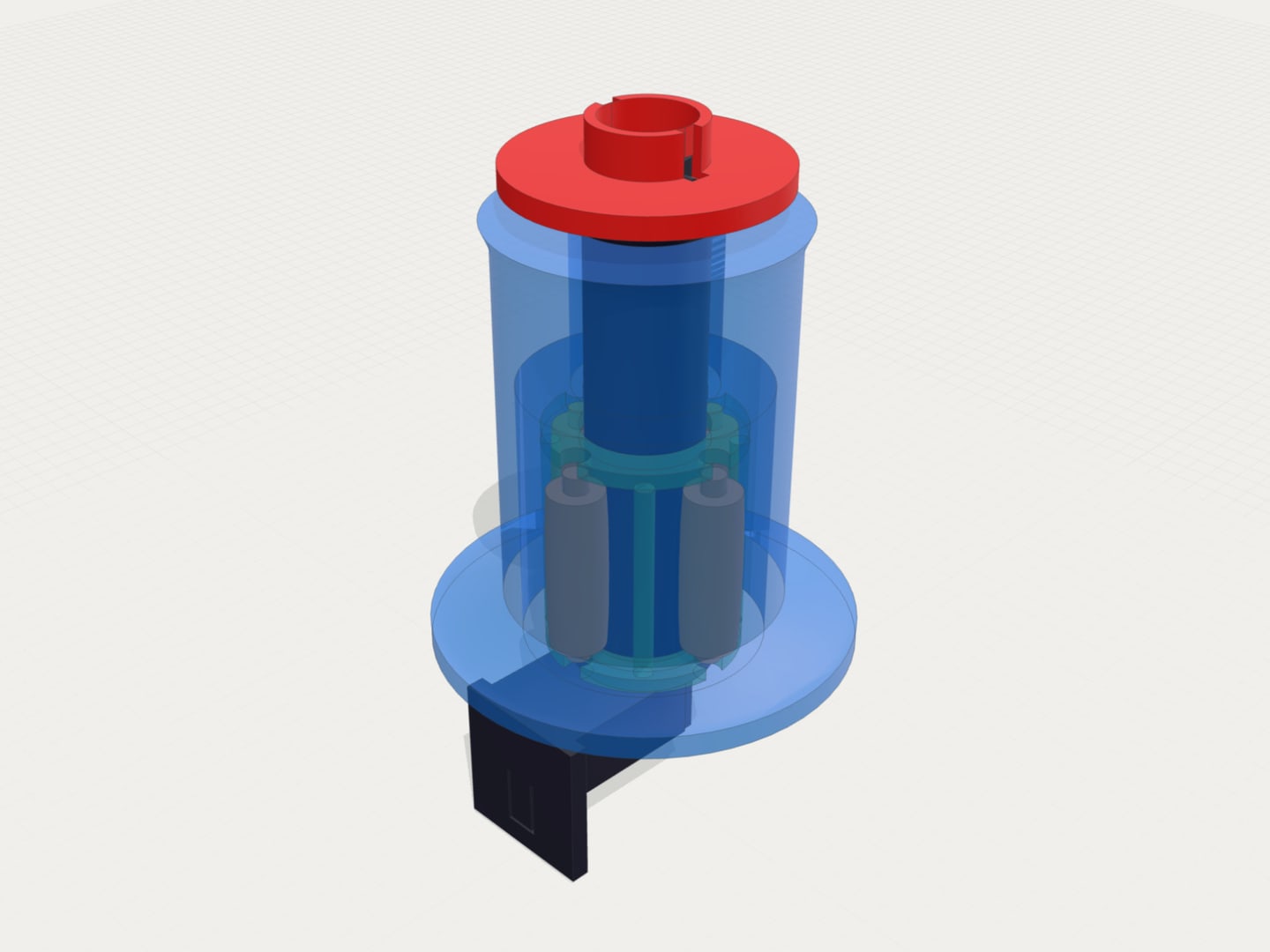
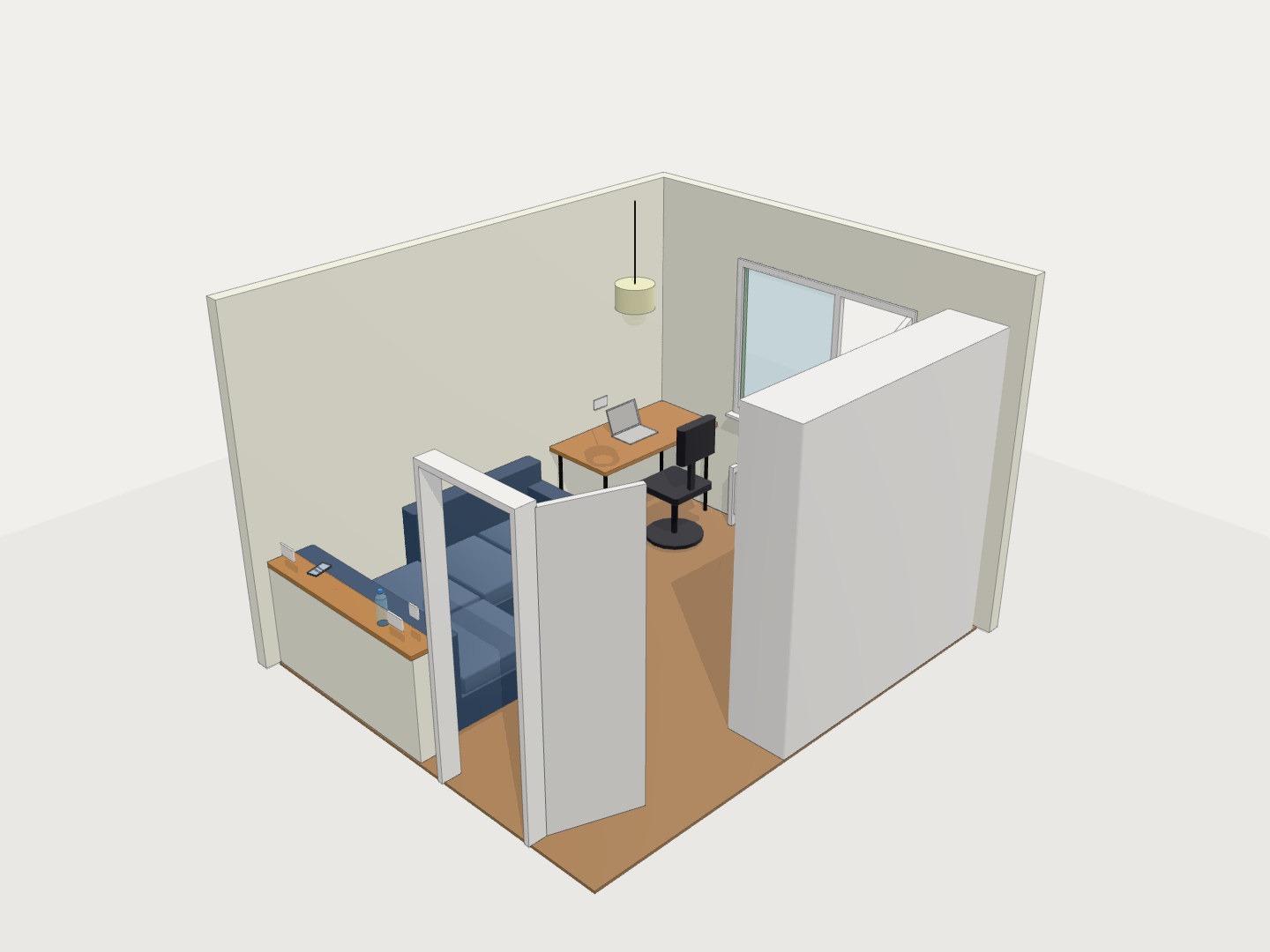
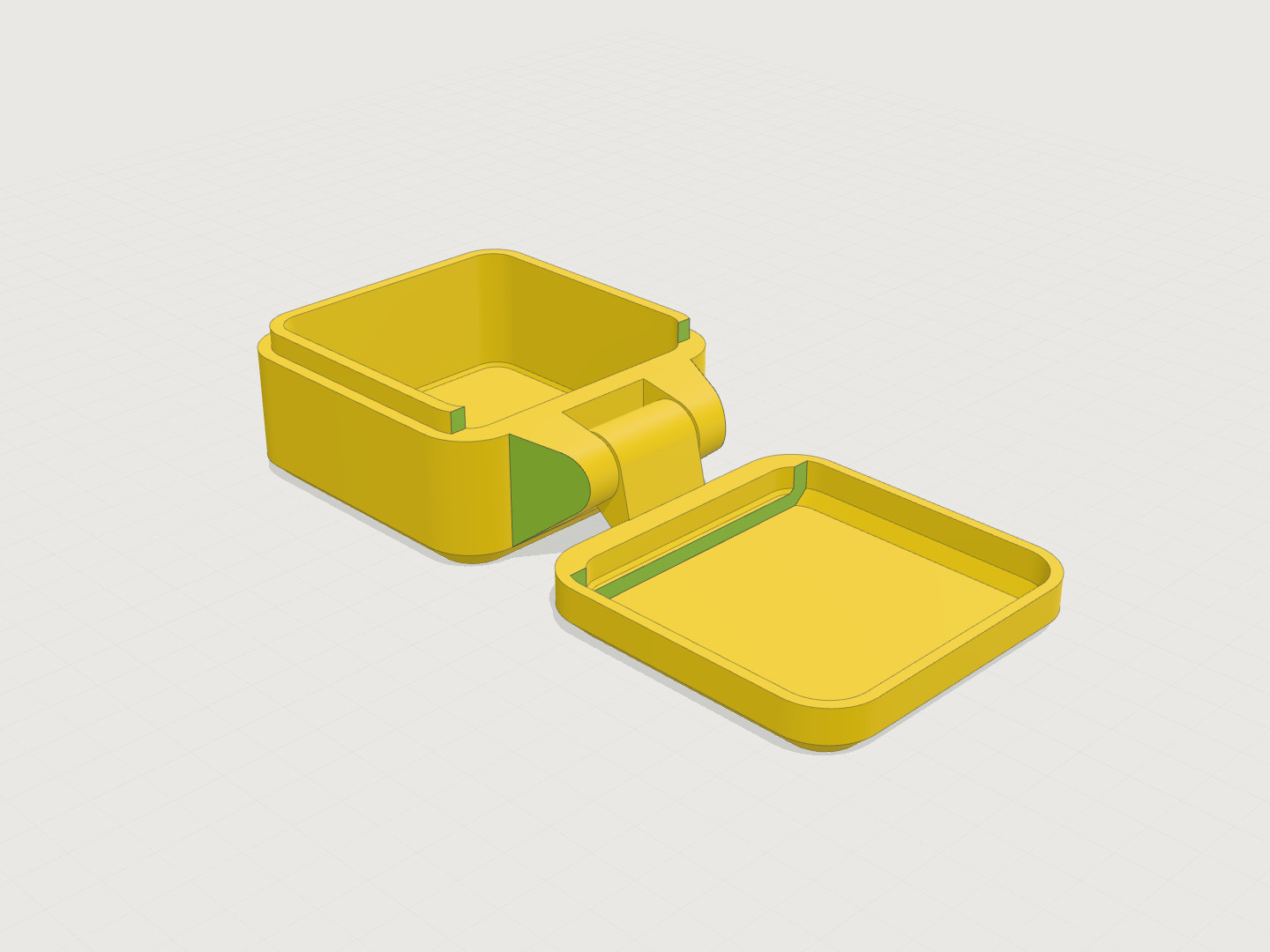
- Public model pages now render a Prompt Assets section
- Prompt image is shown inline, and Prompt SVG can be previewed and opened directly
Better models-list failure visibility
- If the public models feed is unavailable,
/modelsnow shows a clear error message instead of an empty grid